Who Is This Course For?
Designed with clarity and practical learning in mind, this course is tailored for:
Seniors & Lifelong Learners: Curious about artificial intelligence and eager to use Copilot safely and comfortably for personal projects, emails, or searching the web.
High School & University Students: Looking to enhance study habits, organize research, and prepare for tech-driven careers.
Emerging Professionals & Caregivers: Eager to streamline admin tasks, write clearer communications, and save time in their day-to-day work.
Organizations & Schools: Seeking tailored group training to help their members adapt to mainstream AI tools.
“An investment in knowledge pays the best interest.” — Benjamin Franklin
What You Will Learn
Here's a peak of some of the key modules
Module 1: Introduction to AI & Microsoft Copilot
Understanding what Artificial Intelligence (AI) is—and what it isn't—in plain, non-technical language.
Navigating the Microsoft Copilot interface safely on desktop and mobile devices.
Understanding data privacy, safety, and ethics when interacting with AI tools.
Module 2: Prompt Writing Essentials (Talking to Copilot)
How to write clear, simple prompts to get accurate and helpful results every time.
Refining answers, asking follow-up questions, and guiding Copilot like a helpful assistant.
Common prompting mistakes to avoid.
Module 3: Real-World Productivity & Daily Tasks
Draft emails, letters, cover letters, or personal summaries in seconds.
Brainstorming ideas, summarizing long articles or documents, and planning events/travel.
Using Copilot as a learning tutor for homework, language practice, or research topics.
Module 4: Everyday Problem Solving & Creative Work
Creating simple image prompts and creative project outlines.
How Copilot integrates into daily routines to save hours of routine work.
Previewing what’s next: An intro to Premium Microsoft 365 Copilot features.
“Education is not preparation for life; education is life itself".— Helen Keller

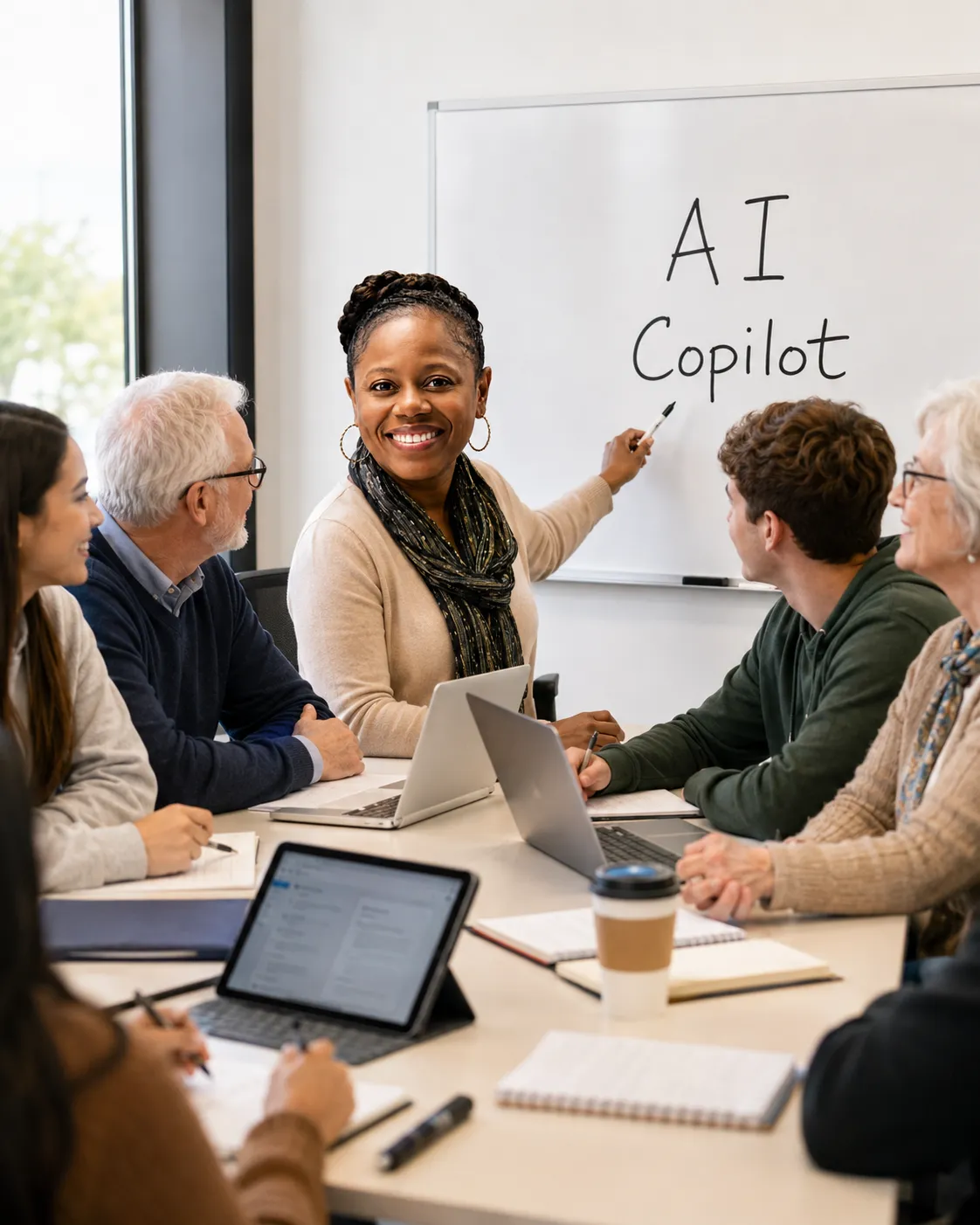
Why Learn From Dawn Moore
Microsoft-Certified Educator
Taught by a certified specialist and Learning & Development Advisor with deep expertise in Microsoft technologies.Inclusive & Patient Teaching
Dawn’s empathy-first approach ensures no question is too small and every learner feels supported.Hands-On & Practical
Focuses on real-world scenarios so you can apply what you learn immediately.
"Demystifying modern tech so everyone can gain the skills, confidence, and sense of belonging needed to move forward." — Dawn Moore